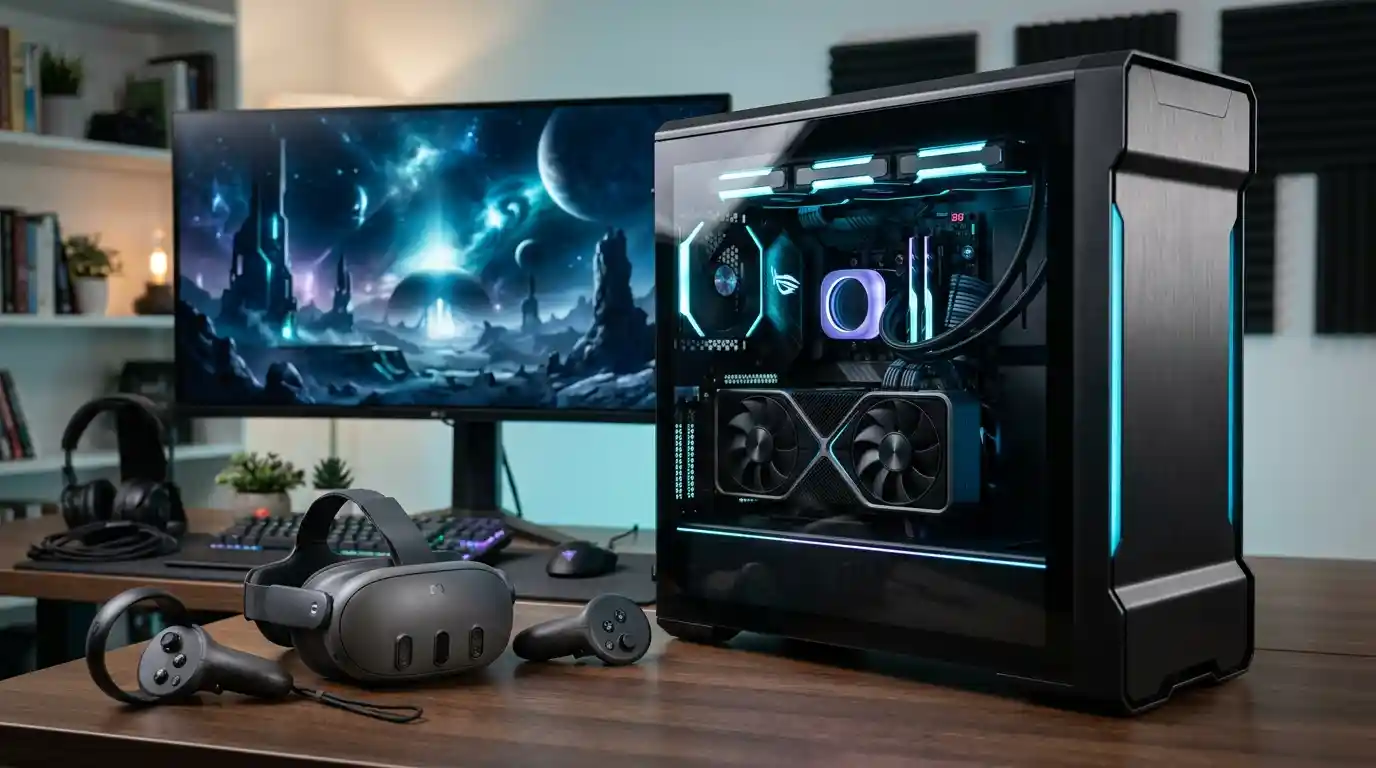
Choosing the best VR gaming PC means finding a system that can deliver smooth frame rates, responsive controls, detailed virtual environments, and reliable performance during extended gaming sessions. Unlike traditional PC gaming, virtual reality requires a computer to render separate views for both eyes while maintaining consistent performance to help prevent distracting stutters.
What Makes a Gaming PC VR-Ready?
A VR-ready PC is designed to run compatible virtual reality games and applications at the resolution and refresh rate required by your headset. A computer that performs well on a standard monitor may still struggle with demanding VR titles if its graphics card cannot maintain consistent frame delivery.
Before comparing systems, explore the wider gaming and technology landscape to understand how hardware capabilities and evolving gaming experiences influence the way people play.
For a balanced starting point, look for a modern dedicated graphics card, a capable multi-core processor, sufficient system memory, fast solid-state storage, and effective cooling. You should also check the exact compatibility requirements of your headset and the games you intend to play.
Best VR Gaming PC Options to Consider
There is no single computer that is best for every VR player. The right choice depends on your budget, headset, preferred games, visual settings, and plans for future upgrades. The following options represent different types of systems to compare rather than a universal performance ranking.
1. Corsair Vengeance: Best for High-Performance VR
A suitably configured Corsair Vengeance desktop is worth considering if you want powerful graphics, a modern processor, and room for demanding games. Higher-tier configurations can provide the performance headroom needed for detailed virtual environments, simulation titles, and multitasking.
When comparing configurations, pay attention to the exact graphics card, processor, memory capacity, power supply, and cooling system. The product family name alone does not guarantee that every model will deliver the same VR performance.
2. Alienware Area-51: Best for Premium Gaming Setups
An Alienware Area-51 configuration may suit enthusiasts who prioritize high-end components, strong graphics performance, and a distinctive desktop design. It is worth comparing with other premium gaming towers when you want to play demanding VR games at higher settings.
Before paying extra for a premium system, consider whether its additional performance is useful for your headset. A more expensive computer will not automatically improve every game if your current setup already meets the game’s performance requirements.
3. HP Omen 35L: Best for Upgrade Flexibility
The HP Omen 35L is another desktop family to investigate, particularly if you want a gaming computer that can be upgraded over time. Depending on the configuration, a desktop with accessible components may allow you to improve graphics performance, increase memory, or expand storage later.
Check the motherboard, available expansion slots, case clearance, power supply capacity, and warranty conditions before planning upgrades. These details are more useful than assuming that every prebuilt desktop supports the same components.
4. iBuyPower RDY Element: Best for Comparing Performance and Value
Prebuilt systems in the iBuyPower RDY Element range are worth comparing when you want a ready-to-use desktop without sourcing and assembling every component yourself. Look for a configuration with a strong dedicated GPU, a balanced processor, adequate memory, and sufficient cooling.
Compare the full specification sheet rather than relying on promotional terms such as gaming-ready or high-performance. Two computers with similar names can have significantly different components and real-world capabilities.
5. A Custom-Built VR Gaming PC: Best for Component Control
Building your own VR gaming PC can give you greater control over component selection, airflow, upgrade options, and total system cost. It is especially useful if you already own compatible components or want to prioritize the graphics card over decorative features.
However, a custom build requires compatibility checks, assembly, troubleshooting, and operating-system setup. If you prefer to spend more time gaming and less time maintaining hardware, a well-configured prebuilt desktop may be the more convenient option.
Recommended Specifications for a VR Gaming PC
The following table provides practical starting points for comparing desktops. These are general planning guidelines, not universal minimum requirements or guarantees of performance. Always check the requirements of your particular headset and games.
| Component | Entry-Level Target | Recommended Target | High-End Target |
|---|---|---|---|
| Graphics card | Compatible modern dedicated GPU | Upper-midrange GPU | High-end GPU for demanding titles |
| Processor | Modern 6-core CPU | Modern 6–8-core CPU | High-performance gaming CPU |
| System memory | 16GB | 32GB | 32GB or more when workloads justify it |
| Storage | 1TB SSD preferred | 1–2TB NVMe SSD | 2TB or more as needed |
| Cooling | Effective case airflow | Quality air or liquid cooling | Cooling matched to component power and heat |
Why the Graphics Card Matters Most
The graphics card is usually one of the most important components in a VR gaming PC because it renders detailed scenes and helps maintain the frame rate required by the headset. Higher resolutions, demanding visual effects, complex environments, and supersampling can all increase GPU workload.
A headset operating at 90Hz has approximately 11.1 milliseconds available per frame, while 120Hz allows about 8.3 milliseconds. Missing these timing targets repeatedly can cause visible judder or lead the VR runtime to use techniques designed to smooth the experience.
Do not select a graphics card based only on its model number or ordinary monitor benchmarks. Consider available video memory, game-specific performance, headset resolution, and the settings you expect to use. Features such as supported upscaling technologies can help in compatible games, but they cannot compensate for every hardware limitation.
Processor, RAM, and Storage: What Should You Choose?
Processor
The CPU handles game logic, physics, background processes, and other work alongside the graphics card. A modern six-core processor can be a reasonable starting point for many systems, while demanding simulators, complex games, and streaming workloads may benefit from a faster processor with additional headroom.
RAM
Sixteen gigabytes of RAM may be sufficient for some entry-level configurations, but 32GB is a sensible target for a new midrange or high-performance VR desktop. Additional memory can be useful when you run a game alongside voice chat, recording software, browsers, or other applications.
SSD Storage
A solid-state drive helps reduce loading times and makes large game libraries easier to manage. A 1TB SSD is a practical starting point, while a 2TB NVMe SSD provides more room for several large games and their updates. Storage capacity does not directly guarantee higher VR frame rates, so prioritize the graphics card and processor when performance is your main concern.
Wired vs. Wireless VR: Check Connectivity Before Buying
Your headset determines which ports, cables, software, and wireless networking features you need. Some headsets connect directly to a PC, while standalone headsets can access PC VR through a compatible wired or wireless streaming method.
- Wired connection: Check the required USB or display connections, cable compatibility, and supported PC software.
- Wireless connection: A suitable Wi-Fi network, good router placement, and a reliable connection between the PC and router can help reduce streaming interruptions.
- Display compatibility: Certain headsets require specific video outputs or adapters, so confirm compatibility before purchasing.
- Room setup: Make sure your play area is safe and that cables cannot become tripping hazards.
Virtual reality is part of a broader digital entertainment ecosystem. Readers interested in the technology behind connected media devices can also explore connected entertainment hardware and the wider modern entertainment media landscape.
How to Choose the Best VR Gaming PC for Your Budget
Instead of buying the most expensive desktop available, match the computer to the experience you want.
- Budget-conscious gaming: Choose a compatible dedicated GPU, a modern processor, 16GB of RAM where appropriate, and an SSD. Check performance in your intended games before buying.
- Balanced VR gaming: Target a capable midrange or upper-midrange GPU, a modern gaming CPU, 32GB of RAM, and a 1–2TB SSD.
- High-end VR: Consider a powerful GPU, a strong gaming processor, 32GB or more of memory where useful, robust cooling, and enough power supply capacity for the installed components.
- Simulation and creative workloads: Prioritize the specific CPU and GPU demands of flight simulators, racing simulators, VR creation tools, or recording software.
Prices and availability can change, so compare current configurations rather than relying on an old price or a product’s reputation alone. Also budget for the headset, cables or wireless accessories, and any upgrades needed to make the full setup compatible.
Common Mistakes to Avoid When Buying a VR PC
- Buying a desktop with integrated graphics when the intended VR games require a dedicated GPU.
- Assuming a computer is compatible with every headset simply because the listing says VR-ready.
- Ignoring cooling, noise, power supply capacity, and upgrade limitations.
- Choosing a high-end processor while compromising too heavily on graphics performance.
- Assuming a high average frame rate means the game will never stutter.
- Overlooking the cable, USB, display-output, and networking requirements of the headset.
- Paying extra for decorative lighting instead of useful performance improvements.
For a wider view of gaming trends, you can explore gaming trends and digital play or read about the evolving digital technology landscape. These topics provide broader entertainment context, while your actual hardware decision should be based on compatibility and measured performance.
Is a VR Gaming Desktop Better Than a Gaming Laptop?
A desktop is often the better choice if your priorities are cooling, upgrade flexibility, and maximum performance for your budget. Its larger case can accommodate more substantial cooling systems and full-sized graphics cards, depending on the build.
A gaming laptop is more convenient when portability matters or you have limited space. However, laptop and desktop graphics cards with similar names may perform differently because of power limits and thermal design. Check benchmarks for the exact laptop configuration and the headset’s connection requirements before choosing a portable system.
Final Verdict: Which VR Gaming PC Should You Buy?
The best VR gaming PC is the one that matches your headset, favorite games, desired visual quality, and budget without sacrificing consistent performance. For most buyers, a balanced desktop with a capable dedicated graphics card, a modern processor, 32GB of RAM, a fast SSD, and effective cooling is a strong starting point.
Consider premium systems such as the Corsair Vengeance or Alienware Area-51 if you need additional performance, and compare upgrade-friendly desktops such as the HP Omen 35L or a carefully configured custom build if flexibility matters. Always compare the exact specifications rather than relying on product-family names.
Before making your final decision, verify your headset’s compatibility, review performance in the games you plan to play, and make sure the computer has the necessary ports and networking support. A well-matched system can provide a smoother, more comfortable, and more immersive VR gaming experience without requiring you to spend unnecessarily.
Frequently Asked Questions
How much RAM does a VR gaming PC need?
Sixteen gigabytes may be enough for some games and headsets, but 32GB is a sensible target for many new VR gaming desktops, particularly when multitasking or playing demanding titles.
Is the graphics card more important than the processor for VR?
The graphics card is often the main performance priority because it renders the VR scene, but the CPU also matters. A balanced system helps prevent either component from becoming a major bottleneck.
Can I use a gaming PC with a standalone VR headset?
Some standalone headsets support PC VR through compatible wired or wireless software. Check the exact headset, computer, operating-system, and connection requirements before purchasing.
Is a prebuilt VR gaming PC worth buying?
A prebuilt PC can be worthwhile if its specifications are suitable, cooling is effective, and the warranty and upgrade options meet your needs. Compare the components and total cost with a custom build before deciding.
How can I avoid stuttering in VR games?
Choose hardware that can sustain the headset’s target refresh rate in your games, keep graphics drivers and software updated, manage background workloads, and use settings appropriate for your system. Performance can vary by game and headset.
Explore More Gaming, Technology, and Entertainment Topics
Gaming hardware is part of a wider technology ecosystem that includes digital platforms, interactive entertainment, and new computing applications. For additional context, explore digital solutions and modern technology and the technology innovation hub.Readers interested in how technology supports modern organizations can also explore technology-driven business operations and advanced manufacturing technology. These broader topics help put gaming hardware within the context of continuing technological development.For a broader look at gaming as a digital industry, see digital marketing in the gaming industry. You can also explore entertainment and interactive experiences and the entertainment venue experience.Digital entertainment extends beyond computer games. Discover entertainment experiences and events or learn about entertainment tickets and event planning for a different perspective on how audiences engage with entertainment.For additional gaming-related reading, explore gaming and sports-inspired entertainment, sports and community activities, and sports experiences and recreation. If your gaming setup also includes physical sports or simulation activities, you may find this guide to protective sports eyewear useful for a related interest.